
If you work in product design or research, your organization has likely suffered from a chronic condition that I like to call “Research Amnesia.”
It usually strikes during a project kickoff. A product manager or influential stakeholder asks a fundamental question about user behavior. Everyone in the room nods thoughtfully. “We should run a study to figure that out,” someone says. So, your team spins up a new research plan, recruits participants, spends weeks conducting interviews or tests, and synthesizes the findings.
Then, a few months later, you stumble across a dusty slide deck in a shared drive from a year ago. The exact same question was asked. The exact same answers were found. You just spent weeks, and a significant chunk of your budget, re-learning something your team already knew.
Research amnesia is incredibly expensive. It wastes time, burns through resources, and most dangerously, causes severe stakeholder fatigue. When leadership and product teams see the same questions being investigated year after year, trust in the UX research process starts to erode. What’s worse is when end users don’t feel heard. Trust in the product fades and animosity for the brand takes its place.
Research shouldn’t be a disposable commodity that resets with every project; it should be an accumulating, searchable, shared brain.
Right now, our team is in the middle of an experiment to cure research amnesia once and for all. We are actively building a UX research repository that actually scales, using a combination of Atomic UX Research, the Zettelkasten method, and Obsidian.
We are still in the early stages of this journey, refining our process as we go. But because this setup has already fundamentally changed how we handle user data, we wanted to share our framework in progress.
Adapting Atomic UX Research for the Real World
Our approach is heavily inspired by Daniel Pidcock’s concept of Atomic UX Research, the idea of breaking knowledge down into its constituent, reusable parts. However, we have adjusted Daniel’s traditional formula (Experiments ➞ Facts ➞ Insights ➞ Recommendations) to work for our needs.
Here is how we’ve adapted the “atoms” of our research:
- Research Studies (Not just “Experiments”): We broadened the scope. Whether we are doing evaluative usability testing or generative/exploratory interviews, any form of data collection is categorized as a “Study.”
- Research Questions (Instead of “Insights”): This is the biggest shift. Instead of storing abstract insights, we use specific Research Questions as the connective tissue of our repository. They act as the anchors for what we are actually trying to learn.
- Facts: The raw, unbiased observations, behaviors, and direct user quotes we gather during a study. Facts make no assumptions.
- Recommendations: The actionable next steps for the product or design team, born directly from the facts that answered our research questions.
By breaking research down this way, a “Fact” discovered in a Q1 generative study can be reused to answer a new “Research Question” in a Q4 evaluative study.
Enter Zettelkasten: The Philosophy of Connection
To manage these atoms, we turned to the Zettelkasten (or “slip-box”) method.
Traditionally used by academics and writers, Zettelkasten relies on creating atomic, decentralized notes that prioritize connections over rigid folder hierarchies. In a standard system, you might put a research report into a folder named “Q2 Research Project.” In a Zettelkasten system, you write down a single user behavior and link it to the broader concepts it touches.
The parallel here is perfect. A Zettelkasten “atomic note” is the exact same thing as one of our UX “Facts.” By treating research this way, we shift from creating top-down, isolated documents to building a bottom-up web of continuous knowledge.
Why Obsidian is the Perfect Engine
To build this web, we needed the right tool. We were already using Obsidian for our note taking and knowledge management needs. Turns out that it was also the perfect tool for our UX research brain, over traditional wikis or cloud drives, for three main reasons:
- Bi-directional Linking: By simply typing [[ ]], we can instantly connect a new Fact directly to a broader Research Question. If I link Note A to Note B, Note B automatically knows Note A is pointing to it. And, I can create queries to pull lists of related notes, super valuable for synthesizing Facts to answer Research Questions.
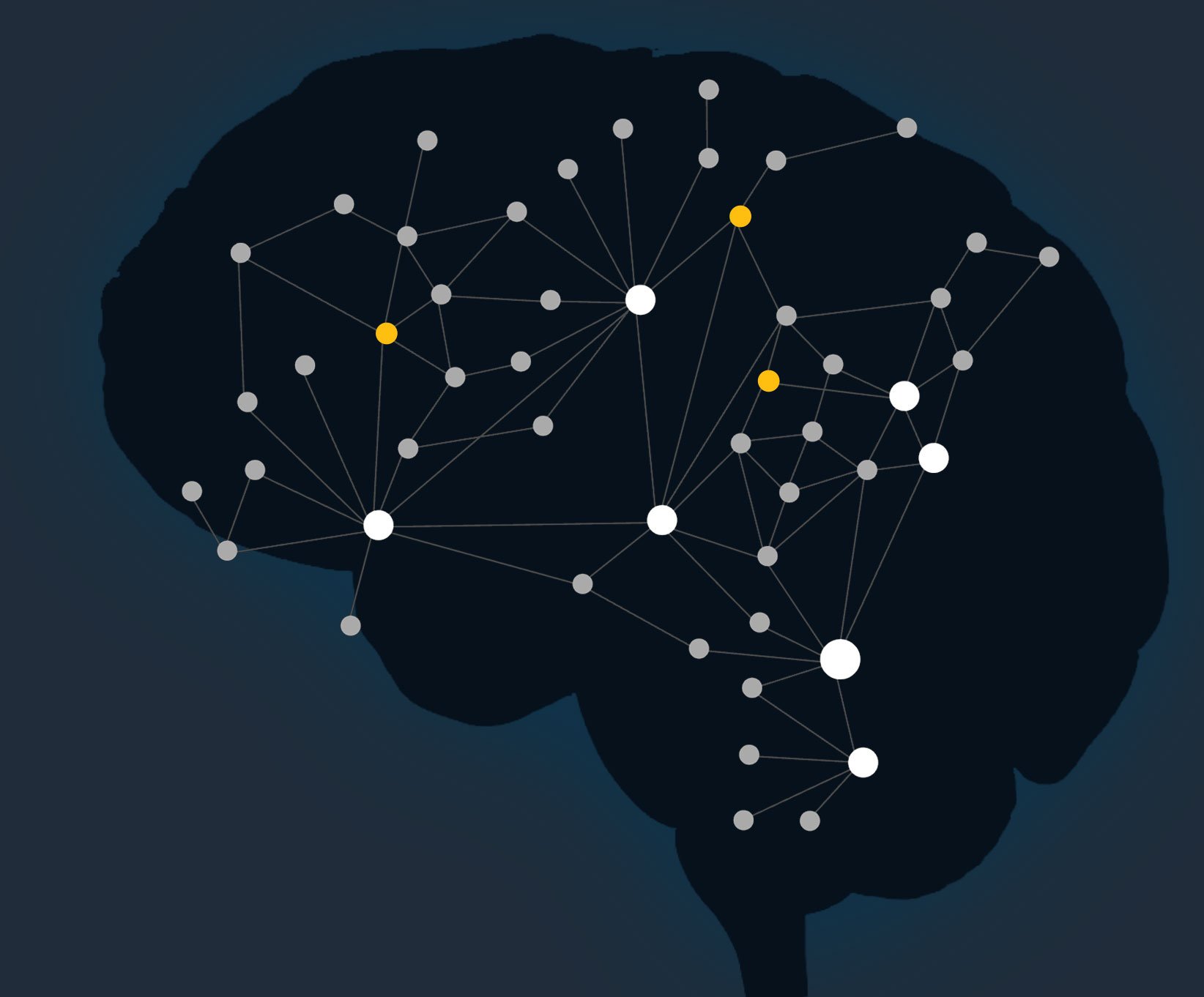
- The Graph View: Obsidian visualizes your notes as a literal web. We can look at the graph and visually see multiple Facts from different Research Studies clustering around a single Research Question over time, giving us immediate confidence in the data.
- Future-Proofing: Obsidian uses local, plain-text Markdown files. We own our data. Our research repository isn’t locked into a proprietary, cloud-based database that might change its pricing or shut down tomorrow. We can also securely store it on premises, which is critical for our highly regulated clients.
As a side note, it turns out there is a large contingent of people who are using Obsidian to take Smart Notes following the Zettlekasten approach. To learn more, check out:
- Sonke Ahrens’s book How to Take Smart Notes: One Simple Technique to Boost Writing, Learning and Thinking – for Students, Academics and Nonfiction Book Writers, and
- Odysseas video, Obsidian: The King of Learning Tools (FULL GUIDE + SETUP), on YouTube for configuring Obsidian for Zettlekasten.
Both were instrumentally inspirational as I was pulling these connections together in my mind.
Our Workflow in Practice
Because we can’t share specific client data, let’s look at a hypothetical scenario to demonstrate the mechanics of our Obsidian vault. Imagine we are researching the onboarding experience for a fictional power systems analysis app.
Here are the 7 steps of our current workflow:
- Set up the Research Study as a central note: We create a hub for the initiative. (e.g., Generative Research: App Onboarding).
- Define the Research Questions: We create individual, standalone notes for the core questions we want to answer (e.g., RQ: What are the primary pain points for first-time users?). We link these Question notes back to the central Study note.
- Select the Methodology: Inside the Study note, we decide on and document the best approach to answer those specific questions (e.g., 1:1 user interviews, diary studies).
- Conduct and Document: As the study happens, we drop our raw session notes and interview transcripts directly into Obsidian as their own notes (e.g., Session: Interview with User A – March 4).
- Extract the Facts: This is the critical “atomic” step. We comb through the session notes and extract pure, unbiased observations and quotes, turning each into its own standalone “Fact” note (e.g., Fact: User A stated that they regularly abandon apps when asked to create an account before seeing fees).
- Link Facts to Questions: We connect the dots. Using Obsidian’s bi-directional linking, we attach these individual Fact notes to the relevant Research Question notes. Over time, the Question notes naturally compile their own evidence-based answers.
- Compile Findings & Recommendations: We return to the central Study note. Instead of writing a massive report, we synthesize the answered questions into actionable recommendations right there in the hub.
No 50-page PDFs. Just clear, linked, evidence-backed next steps.
What’s Next: An Ongoing Journey
As mentioned, this repository is very much a living, breathing experiment for our team. We are still figuring out the best linking conventions and bringing new team members into the Obsidian/Zettlekasten/Atomic Research mindset.
However, the early observations are incredibly promising. Logging research this way feels infinitely more valuable than building slide decks. We are already seeing how an observation from one study can spontaneously answer a question in another, completely unrelated project.
We will be sharing a follow-up post in the future once we have more mileage with this system. We plan to share the long-term results, the friction points we will inevitably encounter, and how this web of knowledge scales as we add hundreds of new facts to the vault.
Stay tuned.
Loved the article? Hated it? Didn’t even read it?
We’d love to hear from you.




Commonly, due to normal business happenings, project “facts” change which result in significant scope, time, and resource changes. How easy is it in Obsidian to update the “facts” and update downstream connections?
Good morning, Will! This is an excellent question. A knowledge repository is only as valuable as the confidence people have in what it contains. So, keeping it current is a constant challenge. Thankfully, Obsidian makes it easy to see the relationships between “facts” so that they can be thoughtfully updated as a group when new information comes to light. There is also a common practice in research repositories to maintain a “level of confidence” attribute on facts and insights (or answered questions). This allows teams to document an idea of what the “truth” might be, while also maintaining an ethical use of that information based on the evidence that has been collected. All this said, we have found it challenging to keep up with; and, we are constantly looking for new ways to keep it lean so that we can keep it clean.